Phishing emails try to get you to click a link, open a file or hand over a password. They look better every year, so a quick routine helps. These are the five checks I make before I click anything.
1. Check who it is really from
The name shown at the top can be faked. Look at the actual email address. A bank or a government agency will not write to you from a free email address or a strange web address.
2. Look at the link before you click
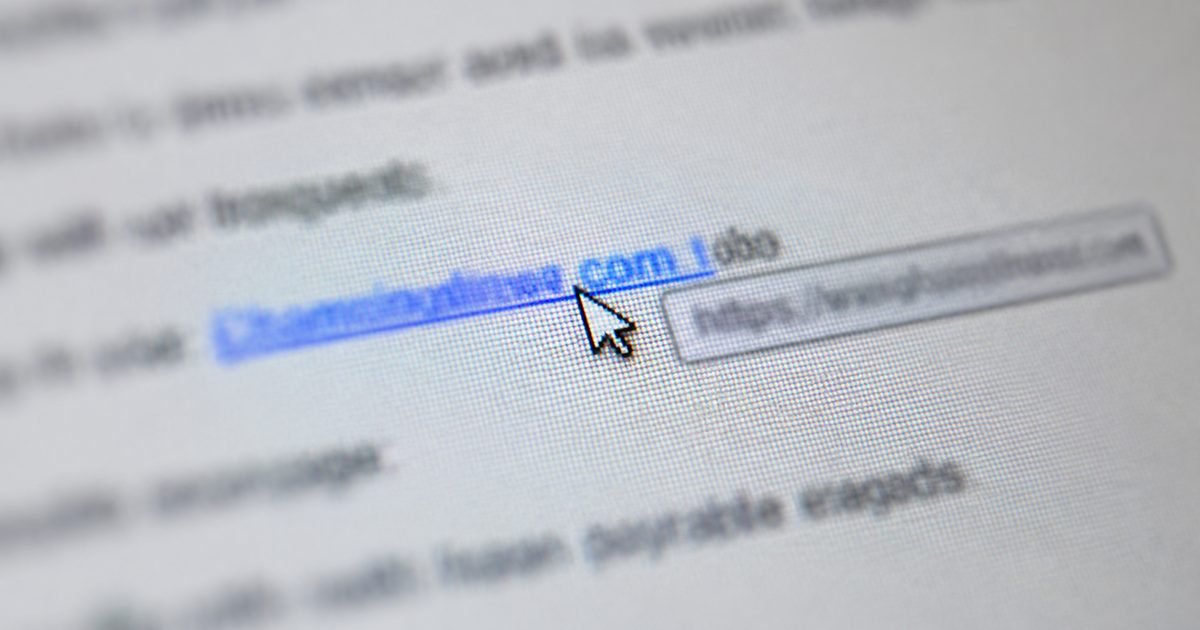
On a computer, hover your mouse over the link and read the address that appears. On a phone, press and hold the link. If the address does not match the company that supposedly sent it, do not click.
3. Watch for pressure
Scammers want you to rush. Messages like "your account will be closed today" are a warning sign. Real companies give you time, and you can always go to their website yourself by typing the address in.
4. Be careful with attachments
Do not open an attachment you were not expecting, even if it looks like an invoice. Zip files and web page files (ending in .html) are common tricks.
5. Ask yourself if it makes sense
Were you expecting a parcel? Do you have an account with that company? If not, delete the email.
What to do if you already clicked
Change the password for that account straight away, and change it anywhere else you used the same one. Turn on two-step login. If you typed in banking details, call your bank using the number on the back of your card. You can also report scams to Scamwatch at scamwatch.gov.au.
If you want to practise this with a teacher beside you, scams and online safety are part of the final week of our Tech Savvy course.
About the author
Aub Thompson runs AST Digital in Coffs Harbour. He taught adults in TAFE NSW for two decades and has worked in IT for three.